Many people have encoutnered issues with the TOE on the Dell PowerEdge servers (especially the 2900) where it caused weird issues with networking components, most noticeable on VMware boxes and ISA servers.
A few days ago I had the same issue with our PowerEdge 2900 after I upgraded to the latest drivers and firmware, the server was running windows 2003 with SP2 loaded on it, once the server was rebooted, the host OS could not access the guest systems via UNC or RDP ( Remote Desktop) however I was able to ping the guest OS by IP and common name with no issues.
after researching the issue, I discovered, it is a problem with the Broadcom Network Cards, Windows 2003SP2 and the TOE (Tcpip Offload Engine)
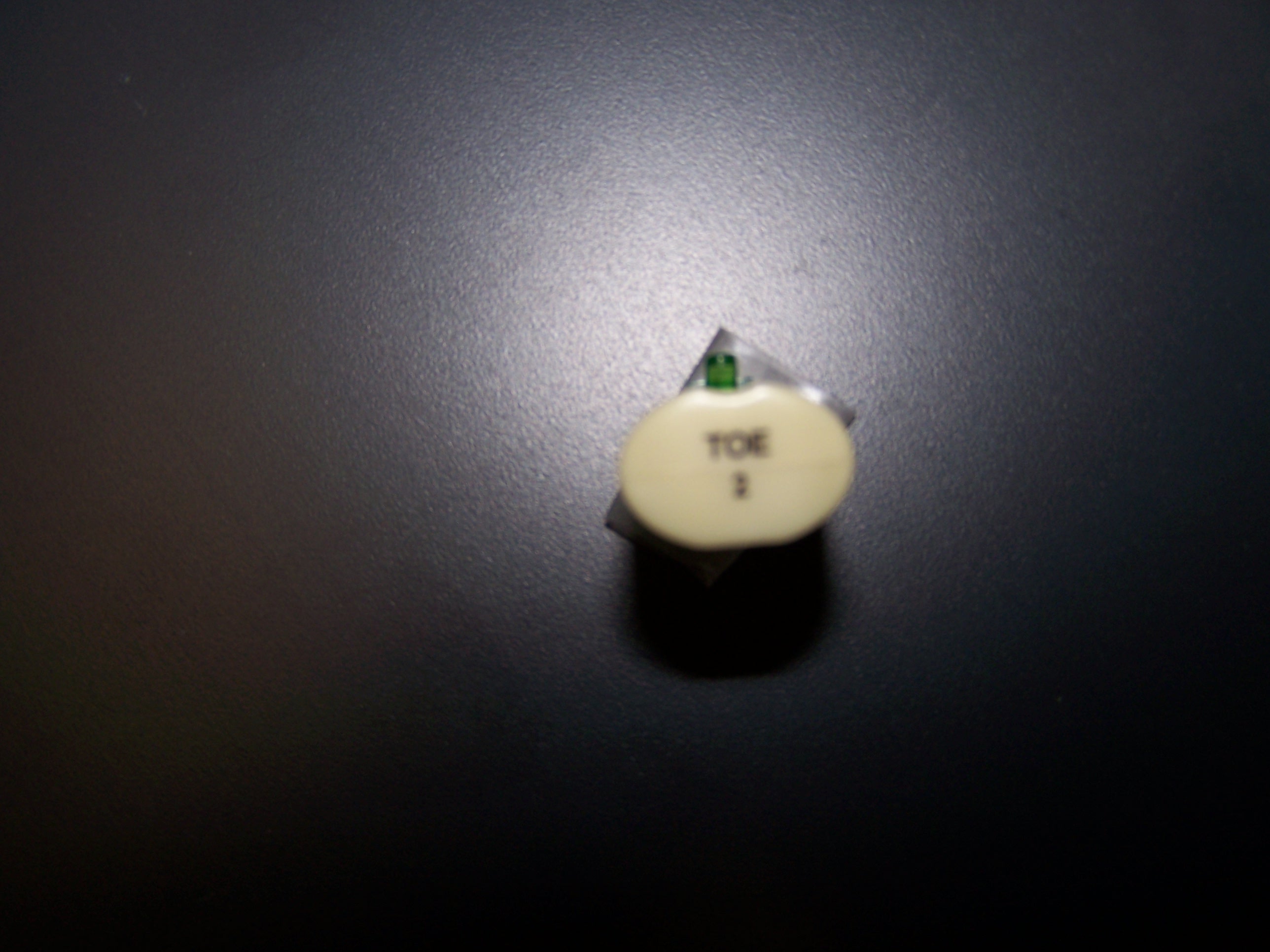
I tired many different thigs except uninstalling the SP2 from the Host OS as it was not a fix for me (not good enough solution) so what I did was opened up the case and removed the TOE component which is like a little white adapter that plugs into the motherborad of the 2900 PowerEdge server. The connector itself is like a phone plug. I have attached a picture of the adapter.
To remove the TOE adapter, slide open the case, look in the center next to the CPU, there will be a white chip (looks like a one of those tranceievers) sticking out and labeled TOE 2) Just unplug it (you would unplug it just like how you unplug a phone from a phone jack).
Once I removed the TOE adapter from the server and powered it back on, everything worked like a charm. I phoned Dell and talked to their senior techs and they did elaborate that this was a problem they have been running into recenlty and this was the right fix.
I hope this helps you out. if it does please post to let me know.

Sounds like the Receive Side Scaling issue to me..If you want to use your TOE license in the future for offloading features then you may need to apply these:
You may experience network-related problems after you install Windows Server 2003 SP2 or the Scalable Networking Pack on a Windows Small Business Server 2003-based computer
http://support.microsoft.com/kb/936594/en-us
You cannot host TCP connections when Receive Side Scaling is enabled in Windows Server 2003 with Service Pack 2
http://support.microsoft.com/kb/927695/en-us
Thank you! This was driving me nuts. I can verify that it worked on my PowerEdge 2900. Pull the plug, restart and the VMWare guest OS and server host OS (2003 R2 x64) can see each other’s shares.
This article of itahmed really helped me!
Environment: Dell Poweredge 2970 (with Broadcom Netextreme II and TOE-Adapter),
CentOS 5.0 / CentOS / SLES 10 SP 1 as Host-OSes, VMware Server 1.0.4 for
virtualisation. WinXP Pro, Win 2000 Server, Win 2003 Server as VMware Guest OSes.
Initial problem: In irregular periods after a couple of hours the network
connection to the VMware-guests (bridged network mode) broke down for about 1 minute – usually 2 or 3 times a day.
Unsuccessful approach: Changing network devices – I deactivated the onboard
NICs and installed an Intel Pro 1000/PT adapter. The problem stayed.
Solution: In the first place: pulling the TOE 2 adapter and as a second important thing: Setting VMware Server in the Host/Settings/Memory Setup to
“Fit all virtual machine memory into reserved host RAM”
After that no additional breakdowns were measured so far.
My main problem was accessing Backup Exec Remote Agent on the VM from BE installed on the Host – couldn’t do it, though the host could see other BE Remote Agents on other servers, and other BE server installs could see the Remote Agent on the VM. I also had some of the other issues mentioned. Disabling TOE by removing the TOE2 widget cured the problem. I would point out that it appears at first to be possible to disable TOE in the BIOS, but in fact only removing the widget works.
This also fixed my problem with a Dell 2950 and VMware Server 1.0.4. I never would have worked this problem out !! What an amazing find! Thanks so much. Darryl
Were you able to ping all hosts on the subnet but your router? That is the problem I am having. I disabled the offload engine in the drivers but that still seemed not to work. Is the only solution to pull the adapter?
Did this happen post SP2?
Like vtdarryl I have a 2950.
Found this article when trying to find the solution to make eth0 and eth1 work on a dell poweredge 2950 under ubuntu when in BIOS you see the ethernet controller report that TOE was enabled.
What you want to do:
1) Unplug the TOE adapter
2) Boot ubuntu
3) type: “sudo vim /etc/networks/interfaces”
– add the lines:
auto eth1
iface eth1 inet dhcp
– then close and save
4) Type “sudo ifup eth1”
Voila, you have an eth1